The Ultimate IPTV Experience
HOP Player streams Live TV, Movies and Series on any Android phone, tablet or TV. Xtream Codes & M3U support, multiple home layouts, color themes and AI-translated descriptions.
Live TV
Thousands of live channels with global search across all categories, favorites, recently watched and EPG.
Movies & Series
Movies and series with Recently Added, posters, ratings, cast and a modern player with subtitle & audio track selection.
AI Translation
Movie & series descriptions are automatically translated into your own language by AI — no more foreign-language plots.
Make It Yours
4 home layouts (Grid, Sidebar, Hero, Space), 4 colour themes and 6 languages. Works on phone, tablet and Android TV. Xtream Codes & M3U.
Modern Player
Smooth playback with subtitle & audio track selection, 10-second skip, aspect ratio control and rotate-to-fullscreen on mobile.
Phone, Tablet & TV
One responsive app for everything — touch on your phone or tablet, full remote-control navigation on Android TV & boxes.
AI Built In
HOP Player is the first IPTV app with a real AI assistant. Movie and series descriptions that arrive in a foreign language are translated into YOUR language automatically — instantly and for free. And it is just the beginning: smart "what should I watch?" suggestions and natural-language search are on the way.
Your App, Your Way
Choose from fourcompletely different home layouts and four colour themes. Whether you like a clean grid, a sidebar menu, a cinematic hero or a cosmic space look — make HOP Player feel like yours. Available in 6 languages.
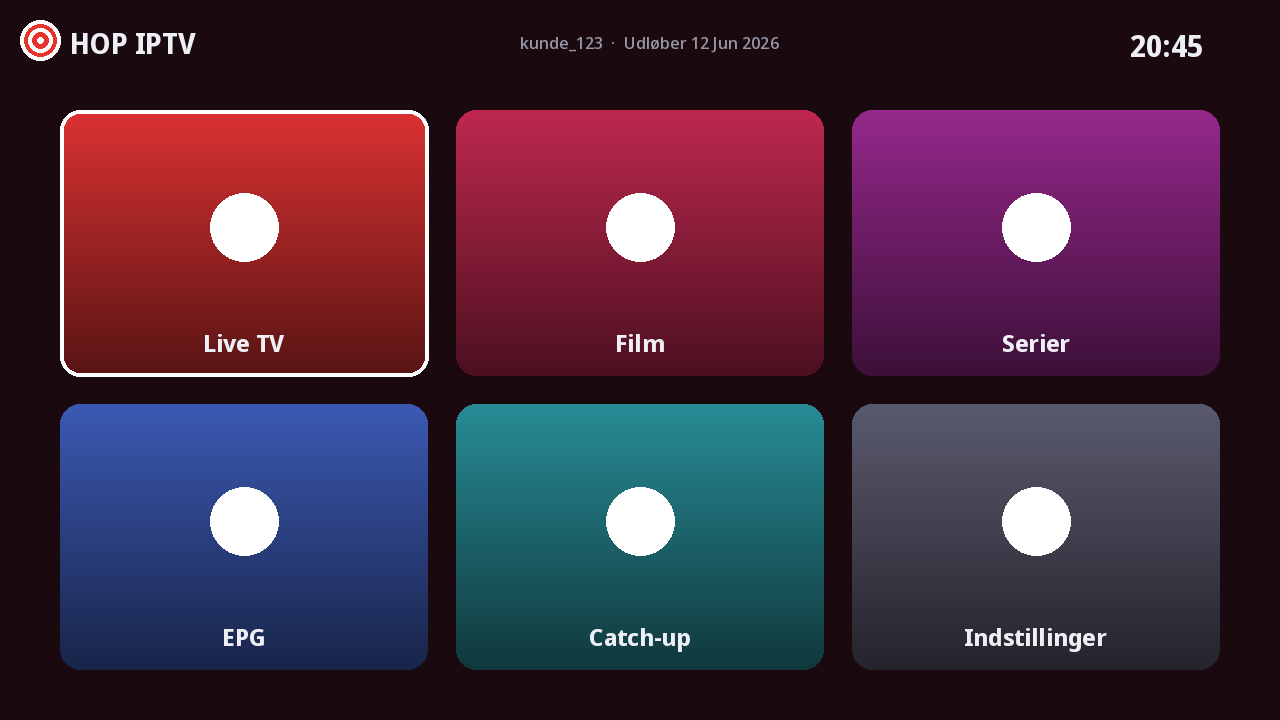 Grid
Grid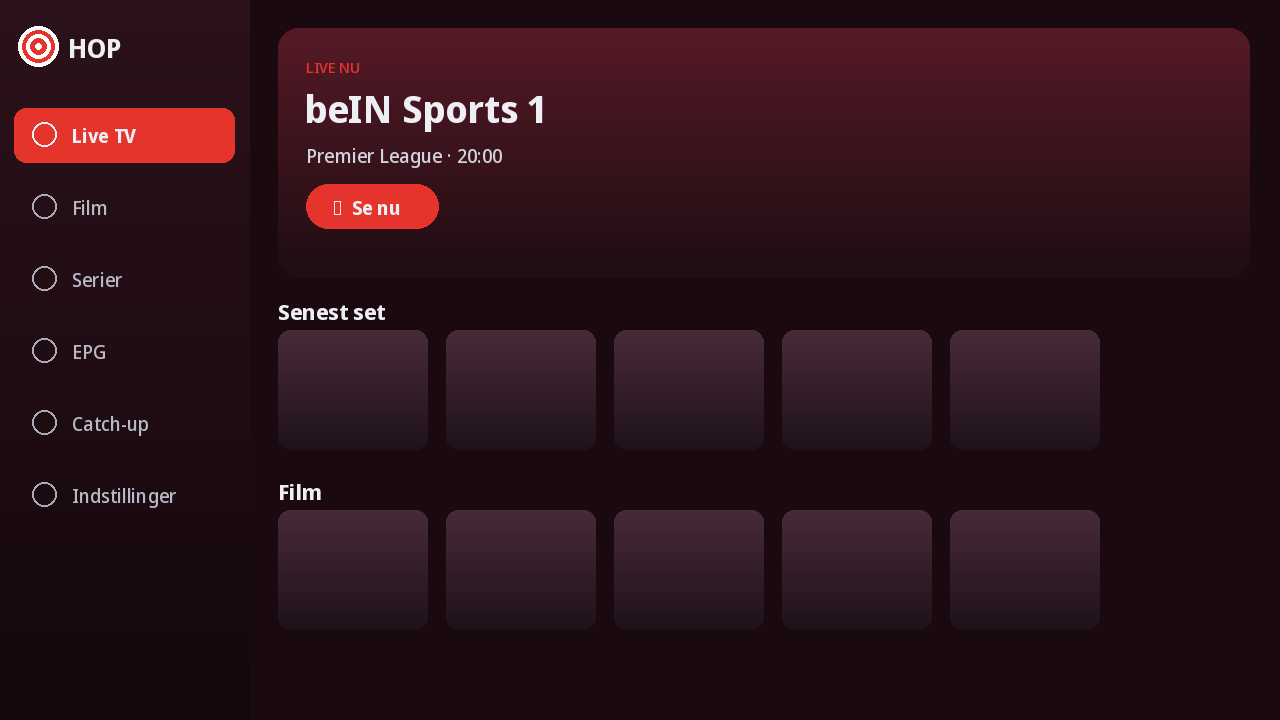 Sidebar
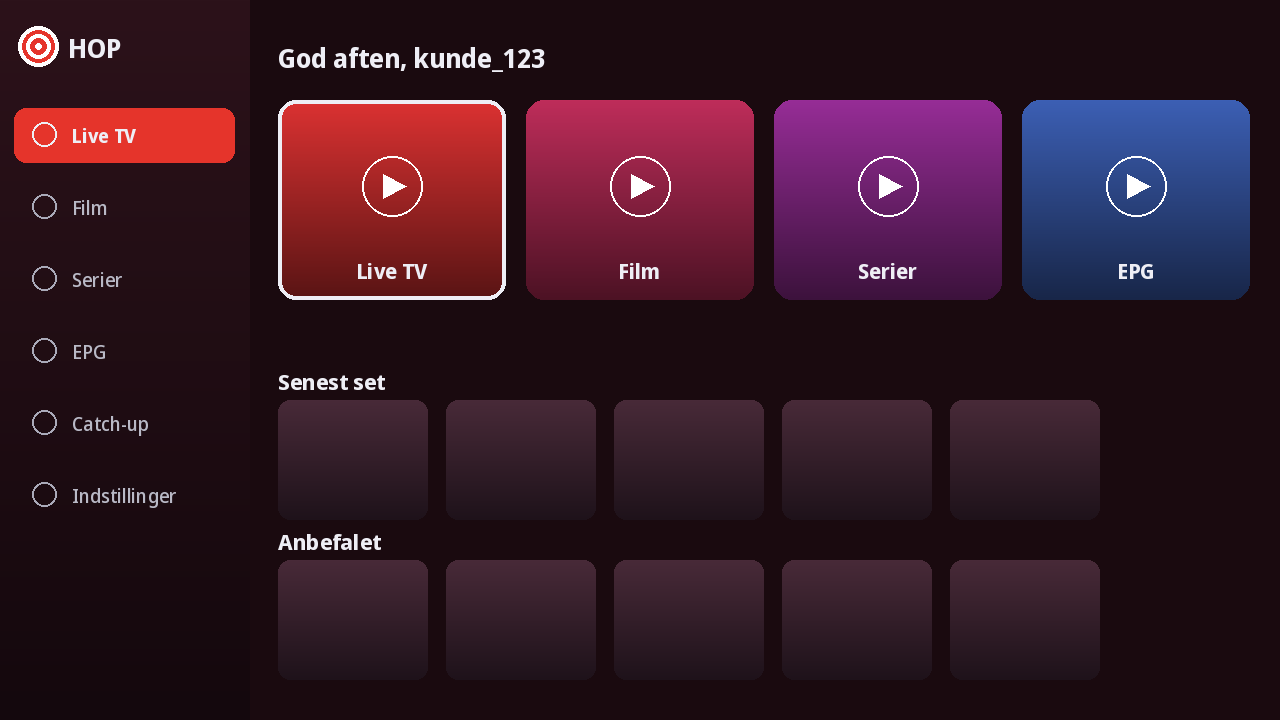 Hero
Hero Space
SpaceGet Started in 3 Steps
Set up your device in under a minute
Install the App
Download and install the APK on your Android device or TV Box.
Note Your Device ID
Open the app and find your Device ID and Device Key on the login screen.
Upload Your Playlist
Go to Upload Playlist, enter your ID + Key, and add your M3U or Xtream playlist.